Cold Calling & Texting in California (Real Estate): TCPA/CCPA Basics
How to cold call and text in California real estate the right way: TCPA/CCPA basics, consent, DNC, opt-outs, scripts, cadences, and KPIs—powered by UnrealCRM.
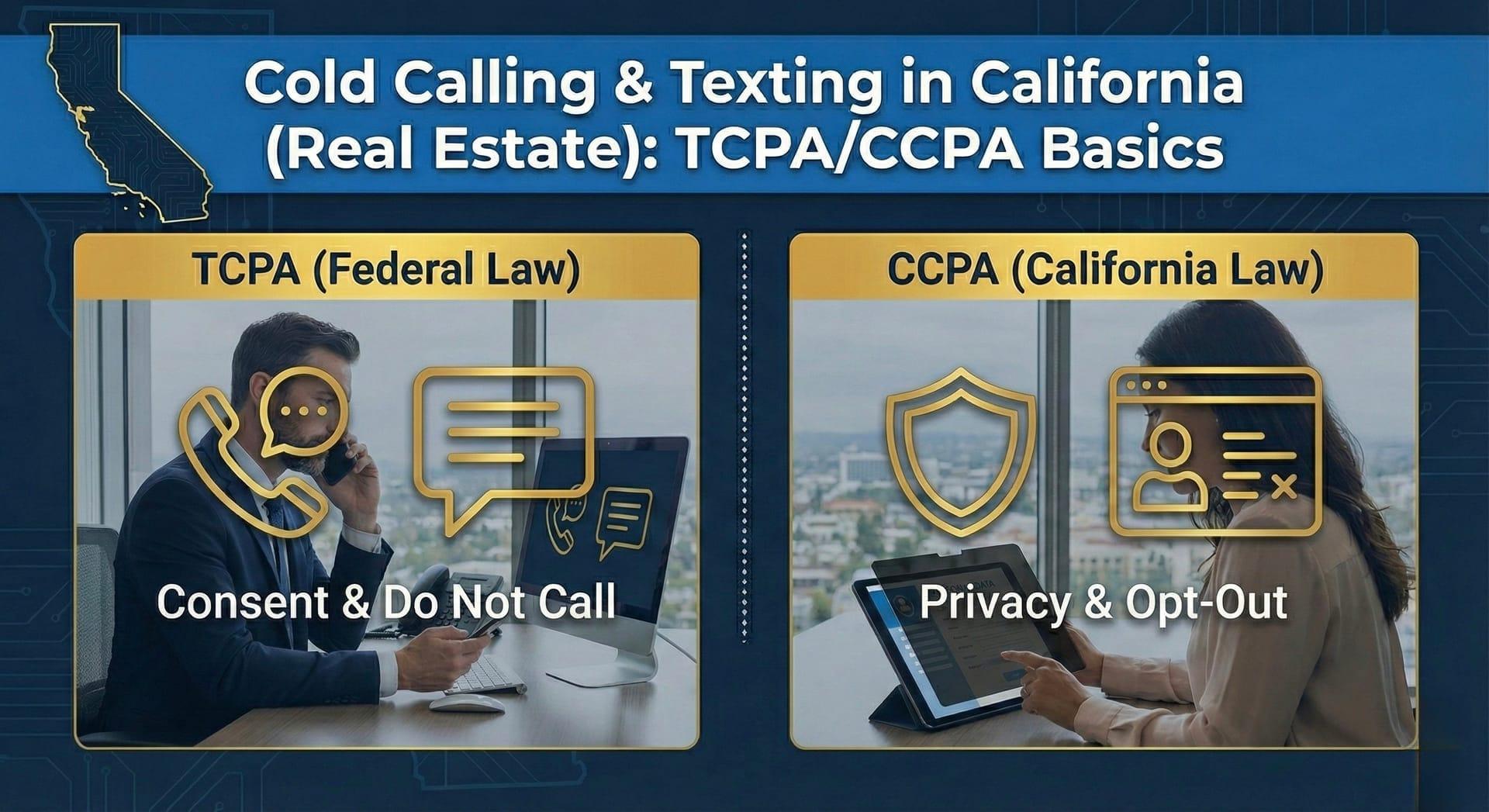
Cold outreach in California can work if it’s respectful, relevant, and compliant. This guide distills what actually drives meetings in California real estate while covering the plain-English basics of TCPA, CCPA, and CPRA. Use it to launch complaint calling and texting that people welcome, not ignore.
Who this is for
Agents, brokers, investors, and home-service pros who contact property owners in California and want a clear, repeatable way to stay compliant while booking real conversations.
What “compliant and effective” looks like in California
-
Target the right owner with property-first context.
-
Verify channels before scale and honor opt-outs quickly.
-
Keep messages short, local, and human.
-
Log consent, opt-outs, and outcomes in one place.
-
Measure contact → meetings → wins, then replicate what works.
TCPA basics you must know
-
Consent: Obtain the appropriate consent for automated or prerecorded communications to mobile phones.
-
Identity: Clearly identify who you are and why you’re contacting.
-
Opt-out: Provide a simple opt-out for texts (for example, “Reply STOP to opt out”) and honor it promptly.
-
Do-Not-Call: Respect national and internal Do-Not-Call lists and suppression lists.
-
Time windows: Call within typical calling windows and local time zones.
-
Texting = messaging: Marketing and lead-gen texts are covered; treat them with the same care.
CCPA/CPRA basics (California) to respect
-
Opt-out of sale/share: Maintain processes to honor “Do Not Sell or Share” signals.
-
Rights requests: Be ready to process access and deletion requests about personal information you hold.
-
Record-keeping: Keep documentation of how you handle consent, opt-outs, and suppression.
-
Service providers: Align vendors and tools with your privacy practices.
Important California notes
-
Two-party consent for call recording: If you record calls in California, get consent from all parties before recording.
-
Data minimization: Collect only what you need for the outreach use case.
-
Plain-language notices: Keep disclosures easy to understand.
This guide is informational and not legal advice. For specific questions, consult qualified counsel.
Owner-first targeting that gets replies
Start with micro-lists of 300–1,000 records by city, asset type, and useful signals. Examples:
-
San Diego, multifamily 5–20 units, recent permits or long ownership
-
Los Angeles, small industrial, visible vacancy or tenant turnover
-
Orange County, single-family with ADU potential
-
Sacramento/Inland Empire, corner retail with traffic visibility
Verification pipeline
-
Email: verify first to reduce bounces and protect domain reputation.
-
Phone: validate 1–2 numbers per record before loading dialers at scale.
-
Role: label Owner vs Property Manager vs Representative; each uses a different opener.
-
Suppression: sync opt-outs, complaints, and DNC flags across phone, SMS, and email.
Deliverability and caller reputation
-
Ramp volume gradually and throttle sends.
-
Align DKIM/SPF/DMARC for email; keep IPs and domains clean.
-
Use subdomains for outreach and keep templates short and specific.
-
Rotate channels (email, SMS, call) rather than pasting identical copy everywhere.
Cadence that respects California and still books meetings
Day 1
-
Call 1: brief, local opener; if no answer, short voicemail.
-
SMS 1: compliant nudge with opt-out.
-
Email 1: local opener with two clear options.
Day 3
-
Call 2: ask for 10 minutes to review two routes.
-
Email 2: micro-case from a nearby pocket.
Day 7–9
-
SMS 2: gentle check-in and scheduling prompt.
-
Email 3: brief FAQ and two time options.
Day 12
- Email 4: last nudge asking whether to keep the door open.
Keep language simple, specific, and local. Relevance beats length.
Copy you can paste today
Cold call openers (by role)
Owner
“In {area}, {asset type} are trading around {insight or nearby comps}. I can show two quick routes—stabilize or engage buyers—and you decide. Would 10 minutes help?”
Property Manager
“We’re mapping {asset type} around {area} with current buyer interest for {property/address}. Who is the right owner/decision-maker for a quick 10-minute review?”
Representative/Broker
“Working {asset type} in {area} with buyers active near {A/B/C comps}. Open to a 10-minute sync to see if any route fits your client?”
Compliant SMS with opt-out
“Hi {FirstName}, it’s {YourName}. Quick question about {street/ZIP}. 10-min this week? Reply STOP to opt out.”
Email subject lines that lift replies
-
Quick check about {address/ZIP}
-
{city}: intro → meeting in 72 hours
-
2–3 owner options near {neighborhood}
-
{area} owners are choosing between these two routes
First email template
Subject: Quick check about {address/ZIP}
Hi {FirstName},
We’re working {asset type} around {city/ZIP} and noticed {property or nearby comps}. Owners here are choosing between two practical routes.
Open to a 10-minute screen-share to see if either fits?
— {YourName}, UnrealCRM
FAQ inside the email (optional as a P.S.)
-
Will this take long? Ten minutes to review two options.
-
Is this legal? We follow TCPA and CCPA/CPRA basics and honor opt-outs and DNC.
-
Next step? A short screen-share with local examples.
Objection handling
- “We already have an agent.”
This complements your plan: two hard data points (local comps and buyer activity) to decide whether to engage or stabilize.
- “No time.”
Understood. Ten minutes to review two routes. If it isn’t useful, we’ll close it out gracefully.
- “Send info.”
I’ll send a one-pager and propose two time options to answer live.
The one-pager owners appreciate
-
Property snapshot (address, asset, key facts)
-
Two or three local comps in a tight radius
-
Buyer activity signals (profiles, not names)
-
Two viable routes and a next-step time proposal
KPIs to track in California
-
Email bounce rate: keep it low via verification and warmup.
-
Contact rate (answers + replies): typical range 20–35% with verified lists and local openers; varies by micro-market and asset.
-
Meetings per 100 valid contacts: 5–10 early; improves with neighborhood-level personalization.
-
Time to first meeting: under 7–10 days in active pockets.
-
Wins by micro-list: track city + asset + signal to find 2–3× pockets.
How UnrealCRM makes this easier
-
Targeting: filter by city, asset, and signals to build focused micro-lists.
-
Verification: keep owner email/phone verified and reduce bounces.
-
Outreach: run compliant, multi-channel cadences with built-in opt-outs.
-
Tracking: log consent, opt-outs, and outcomes in one pipeline with real KPIs.
See owners in California in minutes
Filter by city and asset, reach verified owners, and run multi-channel cadences inside one pipeline. Book a live demo and we’ll preview two real routes for your market.